

This is tutorial how to install flutter 2.2.3. on MacOS.
Download Flutter HERE
https://flutter.dev/docs/get-started/install
Then unzip the files to where ever place you want. Or you can also download using github.
For me, i create a Developer directory under my user account. You might have your name as directory name.
Then put all unzip “flutter” directory and its content to the Developer directory i have created.
Macintosh HD/Users/user/Developer/flutter/
Open your terminal, and create path to the flutter by executing command line below
export PATH="$PATH:/Users/user/Developer/flutter/bin"
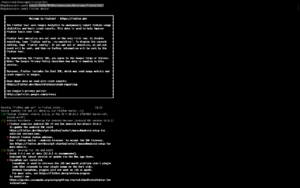
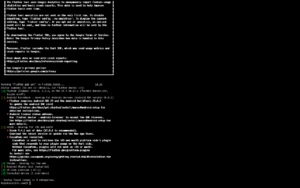
Execute “flutter doctor” command. This will download any additional dependencies.
flutter doctor
NOTES:
If you still have problem on executing flutter command.
“-bash: flutter: command not found”
Do check on your path settings “.bash_profile”.