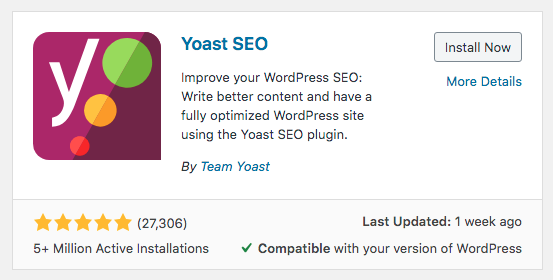

One of free way to add breadcrumbs to your divi wordpress website is by using Yoast SEO plugin. It is wonderful SEO plugin available for free to download.
Just search, install and activates the plugin.
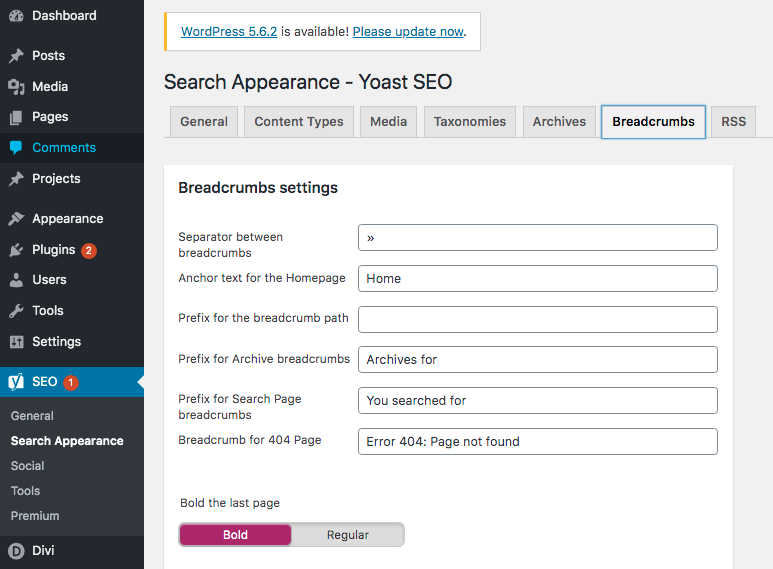
Go to the SEO>Search Appearance to configure how it appear on your website.
Click on Breakcrumbs Tabs. You shall find all setting fields here.
To use it you can add this snippet to the template script e.g header.php, single.php.
<?php
if ( function_exists('yoast_breadcrumb') ) {
  yoast_breadcrumb( '<p id="breadcrumbs">','</p>' );
}
?>
Or you can use shortcode as below.
[wpseo_breadcrumb]
If you are using DIVI theme, this is some example i use to add the breadcrumbs above the post title on the single.php page .
...
                <?php
                /**
                 * Fires before the title and post meta on single posts.
                 *
                 * @since 3.18.8
                 */
                do_action( 'et_before_post' );
                ?>


<?php
//Breadcrumbs Snippet Starts
if ( function_exists('yoast_breadcrumb') ) {
  yoast_breadcrumb( '<p id="breadcrumbs">','</p>' );
}
//Breadcrumbs Snippet Ends
?>

                <article id="post-<?php the_ID(); ?>" <?php post_class( 'et_pb_post' ); ?>>
                    <?php if ( ( 'off' !== $show_default_title && $is_page_builder_used ) || ! $is_page_builder_used ) { ?>
                        <div class="et_post_meta_wrapper">
                            <h1 class="entry-title"><?php the_title(); ?></h1>

...
Hope helps!